Staying Online in Korea: eSIM, SIM Card or Pocket WiFi?
From eSIMs you set up before you fly to prepaid SIM cards and pocket WiFi at the airport — here’s every way to stay connected in Korea, what each costs, and which to pick.
Last Updated: June 2026
The short version
eSIM (easiest)
Buy it online before you fly and it’s ready the moment you land — if your phone supports eSIM and is unlocked. Best for most solo travellers.
Physical SIM
Prefer a card? Order a prepaid tourist SIM for airport pickup, or buy one when you land at Incheon or Gimhae. Bring your passport.
Pocket WiFi
Travelling as a group or with lots of devices? A pocket WiFi ‘egg’ shares one connection across several phones.
How much data
Maps and chat: ~1 GB/day. Add social and photos: 2–3 GB/day. Many Korea plans are simply ‘unlimited’.
Do it on arrival
You’ll want data straight away — KakaoMap and Naver Map need it. Sort connectivity before you leave the airport.
There’s no single ‘best’ choice — it comes down to your phone and how you travel. Here’s the quick comparison:
Option
Best for
The catch
eSIM
Most solo travellers; set up before you fly
Needs an eSIM-compatible, unlocked phone
Physical SIM
Older phones, or if you prefer a card
Swap out your home SIM; bring your passport
Pocket WiFi
Groups, families, multiple devices
One more gadget to carry and charge
Roaming
Short trips, total convenience
Usually the priciest per day
For a typical visitor with a recent phone, an eSIM is the simplest: nothing to collect, nothing to swap. If your phone is older or locked, a physical SIM is the fallback. Travelling in a group, a single pocket WiFi can work out cheapest per person.
One rule: sort this before you leave the airport. You’ll want a working data connection to open your map app and find your way to the hotel the moment you arrive.
2. eSIM — the easiest for most travellers
An eSIM is a digital SIM you install on your phone — no physical card. You buy it online, usually before your trip, and it activates when you land. It’s become the go-to for most visitors, because there’s nothing to pick up and you keep your home SIM in the phone.
Check your phone Most recent iPhones and flagship Android phones support eSIM, and the phone must be carrier-unlocked. Search your model plus “eSIM” if you’re not sure.
Buy a Korea eSIM online Use a provider (Airalo, Klook, or a Korean carrier’s eSIM) and pick a plan by days and data. Buy before you fly.
Install it Scan the QR code they email you, or install in-app, while you still have WiFi at home.
Switch it on when you land Turn on the Korea eSIM line, enable data roaming for that line, and you’re online in seconds.
Why most people choose eSIM: it’s instant on arrival, you keep your home number (handy for verification codes), and there’s no counter queue. Just confirm your phone is eSIM-capable and unlocked first.
3. Physical SIM card — the reliable fallback
A prepaid tourist SIM card is the classic option and works on virtually any unlocked phone. Korea’s carriers are KT, SK Telecom and LG U+, and tourist SIMs usually come with generous or unlimited data for a set number of days.
Where to get one:
Order online for airport pickup — book a tourist SIM in advance and collect it at the arrivals counter when you land. Usually the smoothest.
At the airport on arrival — there are SIM counters in the arrivals halls at Incheon (Seoul) and Gimhae (Busan), and other international airports. Staff set it up for you.
In the city — some convenience stores and carrier shops sell them, though airport pickup is easier for visitors.
Bring your passport: by law, a SIM in Korea must be registered to your ID, so you’ll need your passport to activate a physical SIM. Keep your home SIM somewhere safe when you swap it out.
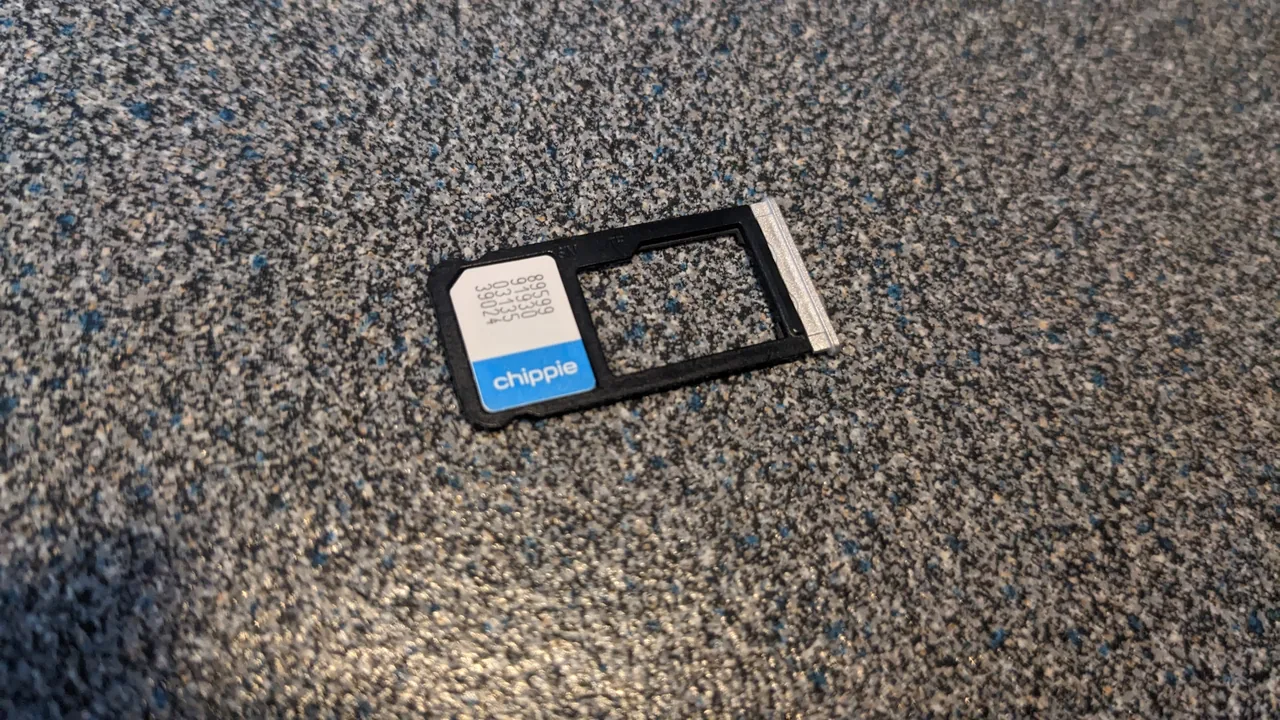
A prepaid tourist SIM works on any unlocked phone — bring your passport to register it. (Photo: Donald Trung, CC BY-SA 4.0)
4. Pocket WiFi — best for groups & many devices
A pocket WiFi (Koreans call it an ‘egg’) is a small portable router that creates a personal WiFi hotspot. One device can connect several phones, tablets and laptops at once, which makes it great value for families and groups.
How to get it: reserve online and pick it up (and drop it off) at the airport, or have it delivered. You pay per day.
Pros: share one connection across everyone; keep your own SIM and number; good for laptops too.
Cons: it’s an extra gadget to carry and recharge daily, and everyone has to stay near whoever’s holding it.
Group maths: if four of you split one pocket WiFi, the per-person cost often beats four separate SIMs — as long as you’re happy to stick together, since the signal only reaches a few metres.
5. Roaming from home — when it makes sense
Your home carrier almost certainly offers international roaming, and for some travellers it’s the path of least resistance:
Best when your trip is short, your carrier has a flat-rate daily roaming pass, or you simply don’t want to set anything up.
Watch the cost: daily roaming is usually the most expensive option, and without a clear pass you risk surprise charges. Always check your plan’s roaming rates first.
The upside: zero setup, you keep your number, and data just works the moment you land.
Check before you fly: if you do roam, confirm exactly what your daily pass includes and turn off any apps that might burn data in the background. For a multi-day trip, an eSIM is usually far cheaper.
6. How much data do you actually need?
Maps, messaging and the odd video add up less than you’d think. Most tourist eSIMs and SIMs are either unlimited or have a daily cap that’s plenty for normal use:
Your style
Rough daily data
Plan to pick
Maps, chat, light browsing
~1 GB/day
A small capped plan is fine
Plus social media & photos
~2–3 GB/day
A larger cap, or unlimited
Heavy streaming / hotspot
3 GB+/day
Unlimited (or ‘unlimited after cap’)
Lots of Korea plans are sold as ‘unlimited’ (often full speed up to a daily cap, then slower) — for most visitors that’s worry-free. Match the plan length to your trip and you won’t have to think about it.
Don’t over-buy: Korea has loads of free WiFi in cafés, stations and shops, so your mobile data does less work than at home. A mid-size plan is plenty for most trips.
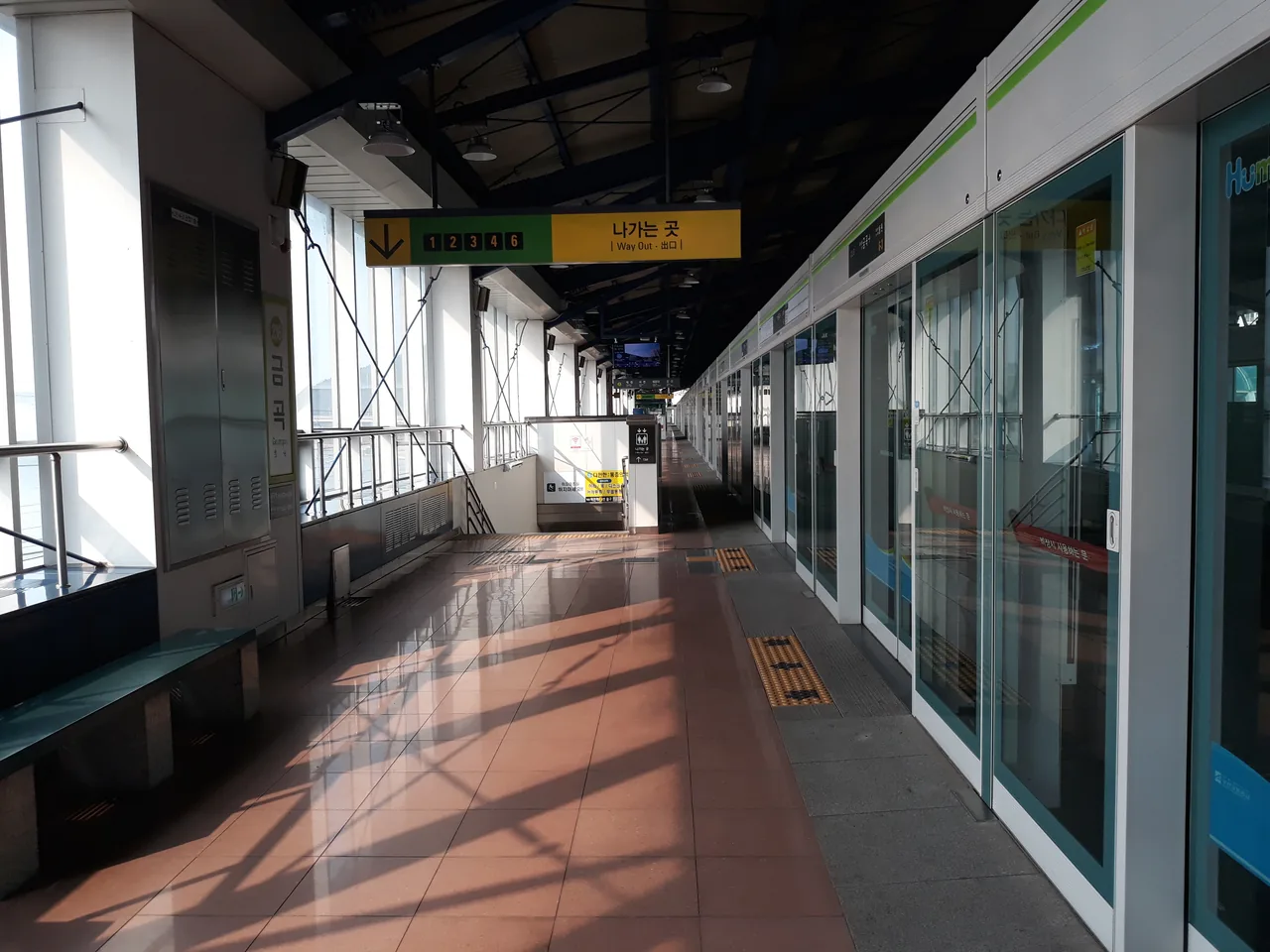
SIM counters and pickup desks sit in the arrivals halls at Incheon, Gimhae and other airports. (Photo: Dongchan0417, CC BY-SA 3.0)
7. Setup, registration & tips
A few practical pointers so everything just works:
You need data for the map apps: Korea runs on KakaoMap and Naver Map (Google Maps doesn’t give good directions here), and they need a connection — another reason to be online on arrival.
Data-only vs a number: most tourist SIMs and eSIMs are data-only (no Korean phone number). That’s fine for apps and internet calls; if you need a local number for some bookings, pick a plan that includes one.
Keep your home SIM: with an eSIM or pocket WiFi it stays in your phone, so you still get verification texts on your usual number. With a physical SIM, store your home SIM safely.
Free WiFi exists but isn’t enough: cafés, the metro and many public spots have free WiFi, but it’s patchy for getting around — treat it as a bonus, not your main plan.
Pre-arrival checklist: buy and install your eSIM (or book SIM/WiFi pickup) before you fly, download KakaoMap and Naver Map, and you’ll step off the plane already connected.
8. Which should you choose?
It comes down to your phone and how you’re travelling. Quick guide:
If you…
Then…
Have a recent, unlocked phone & travel solo
Get an eSIM (easiest)
Have an older or locked phone
Get a physical SIM at the airport
Travel as a family or group
Share a pocket WiFi
Are here only a day or two
A daily roaming pass may be simplest
For most independent visitors to Korea, a Korea eSIM bought before the flight is the sweet spot: cheap, instant and zero hassle. Whatever you pick, sort it before leaving the airport so you can open your map app and head straight to your hotel.
Q. What’s the best way to get internet in Korea as a tourist?
For most travellers with a recent unlocked phone, a Korea eSIM bought online before the flight is easiest — it activates when you land. A prepaid physical SIM (at the airport) is the fallback for older phones, and pocket WiFi suits groups.
Q. Does my phone support eSIM?
Most recent iPhones and flagship Android phones do, and the phone has to be carrier-unlocked. Search your exact model plus ‘eSIM’ to confirm before you buy. If it’s not supported, get a physical SIM instead.
Q. Where do I buy a SIM card in Korea?
Order a tourist SIM online for pickup, or buy one at the SIM counter in the arrivals hall when you land — Incheon for Seoul, Gimhae for Busan, and at other international airports. Bring your passport, since SIMs must be registered to your ID.
Q. Do I need a passport to buy a SIM in Korea?
Yes. By law a SIM card in Korea must be registered to your identity, so you’ll need your passport to activate a physical SIM. An eSIM is bought online and tied to your account instead.
Q. eSIM vs pocket WiFi — which is better?
An eSIM is best for one person with a compatible phone (nothing to carry, instant on arrival). Pocket WiFi is better for groups or several devices, since one unit shares a connection — often cheaper per person, but it’s an extra gadget to charge.
Q. How much mobile data do I need for a trip to Korea?
For maps, messaging and light use, about 1 GB a day is plenty; add social media and photos and 2–3 GB a day is comfortable. Many tourist plans are ‘unlimited’, which is worry-free. Korea also has lots of free WiFi.
Q. Is there free WiFi in Korea?
Yes — cafés, the metro, shops and many public spots offer free WiFi. It’s a nice bonus, but coverage is patchy for getting around, so don’t rely on it alone; get an eSIM, SIM or pocket WiFi as your main connection.
Q. Will I keep my phone number with a Korean SIM?
With an eSIM or pocket WiFi, yes — your home SIM stays in the phone, so you still receive texts and codes on your number. With a physical SIM you swap it out, so calls and texts to your home number won’t come through until you swap back.